
If you are working in Norway, you and your company will have access to Altinn, the online tax portal.
You do need to get access for yourself, and to do so you need to know your D-Number and order Pin Codes to be able to get first access.
If you have a limited company, then once it is registered at Brønnøysund Registre then access should appear on your personal account. Anyone else you have authorised to act for the company should also have access to the company record, and any personal tax agent will also have access to your personal tax account.
Granting access to one, does not grant access to the other. They are separate and access is tightly controlled.
Below I explain how to give me access to your personal tax record as your tax agent.
The portal is undergoing a major revamp that seems to be hitting a few problems.
Access is not as smooth as it should be, and authorising others appears to be a ‘work in progress’.
Screens may appear or act differently until it stabilises – supposedly over the summer.
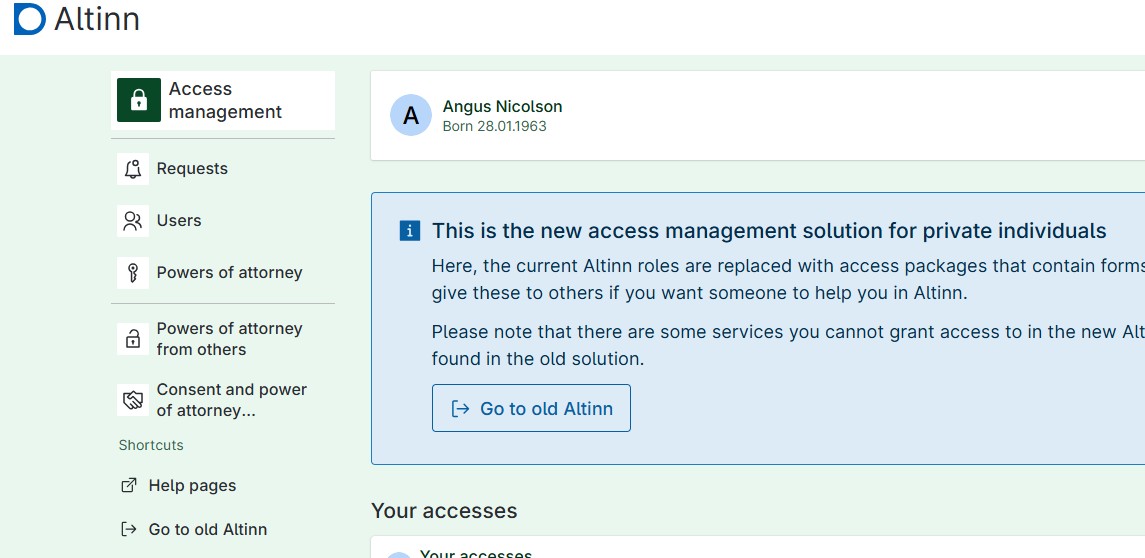
First you need to log into Altinn and then select the Access Management option.
This can be found on the right hand site menu or from the hamburger menu.
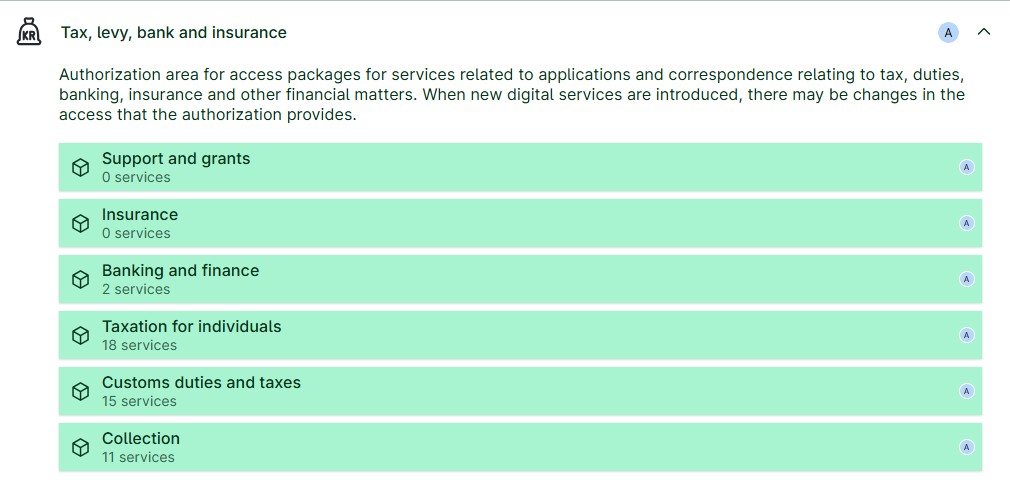
Select the Tax for Individuals option. This gives access to the full range of screens I will need.
Extra individual services can be added or delete later.
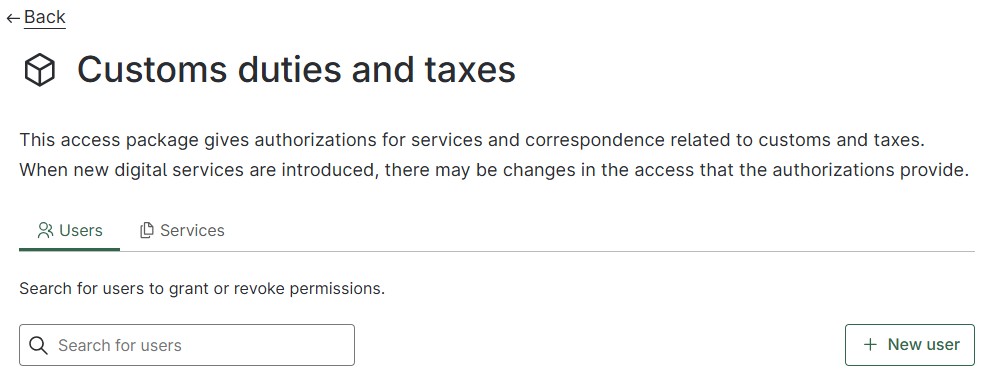
Add a new user to the Altinn system.
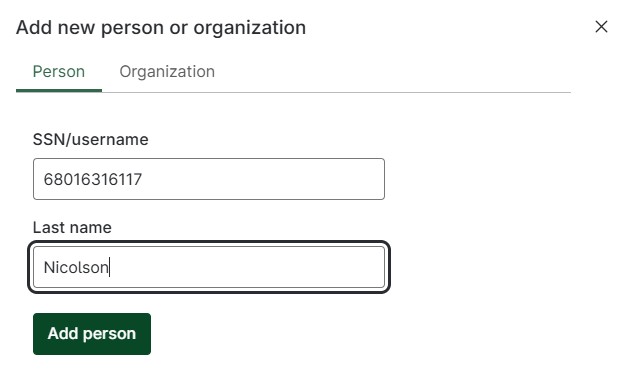
Use my details as show, and an email is sent to me to confirm the access. That’s it!